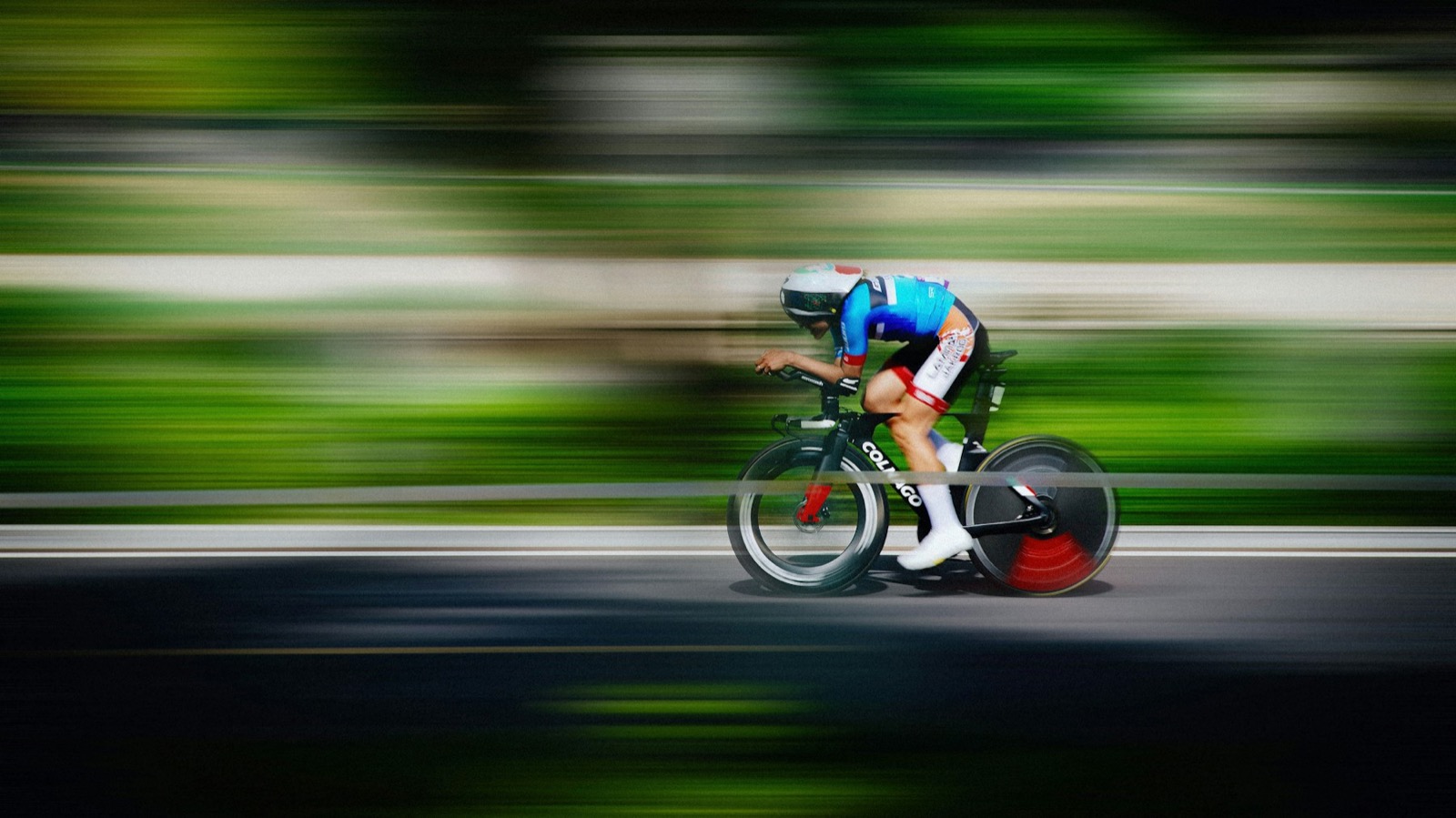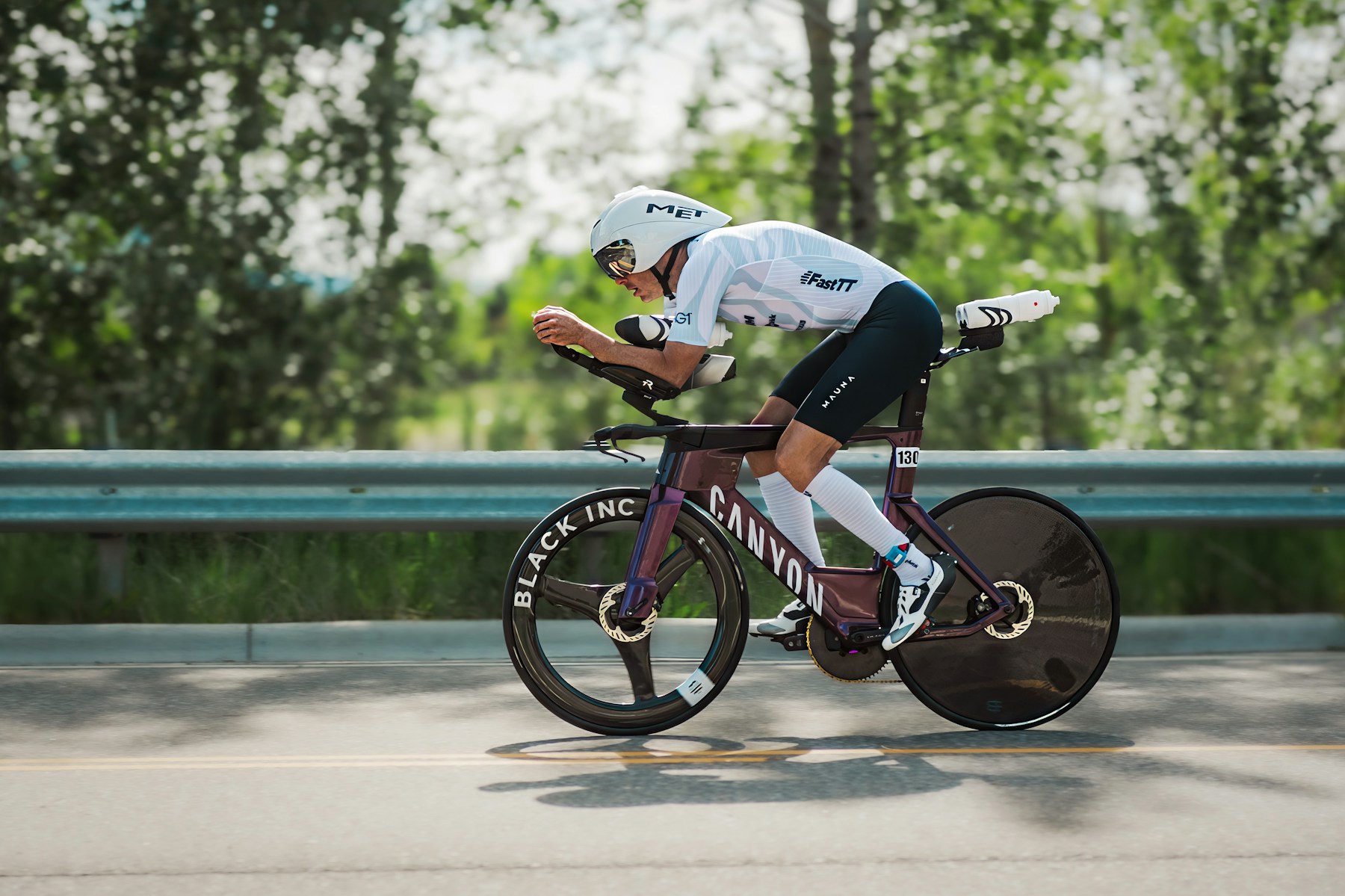
Hold the tuck.
You found your aero position in a bike fit. Holding it for 180 km is the hard part. AeroCam uses your camera to show you, live on the trainer, when you slip out of it.
Every centimetre is drag.
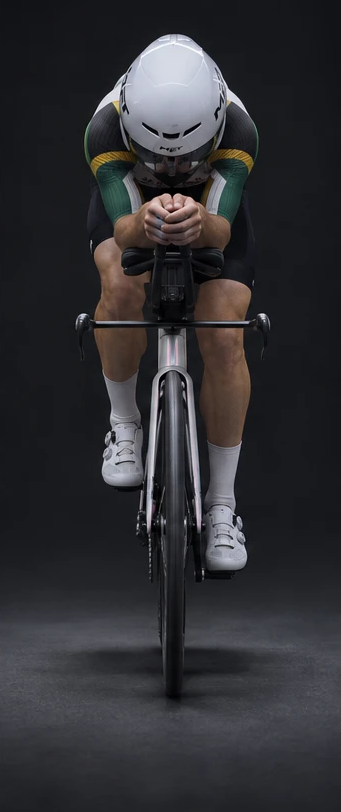
Head up, elbows out, shoulders open: the wind feels each one. AeroCam compares them with your best tuck, every second you ride.
- Head height +0.0 cm
- Position vs target +0.0%
- Time in position 00:00
In the green
Side
Set up once. Then just stay in the green.
Camera in front
Laptop or iPad on the bike's centre line, 1.5–2.5 m away, shoulder height.
Capture the room
Step out for 10 seconds. AeroCam learns the empty scene and tunes itself.
Tape on the marker
A printed marker on the stem shows AeroCam where your bars are.
Record your target
Get into your best tuck and hold up both open hands. It records for 15 seconds.
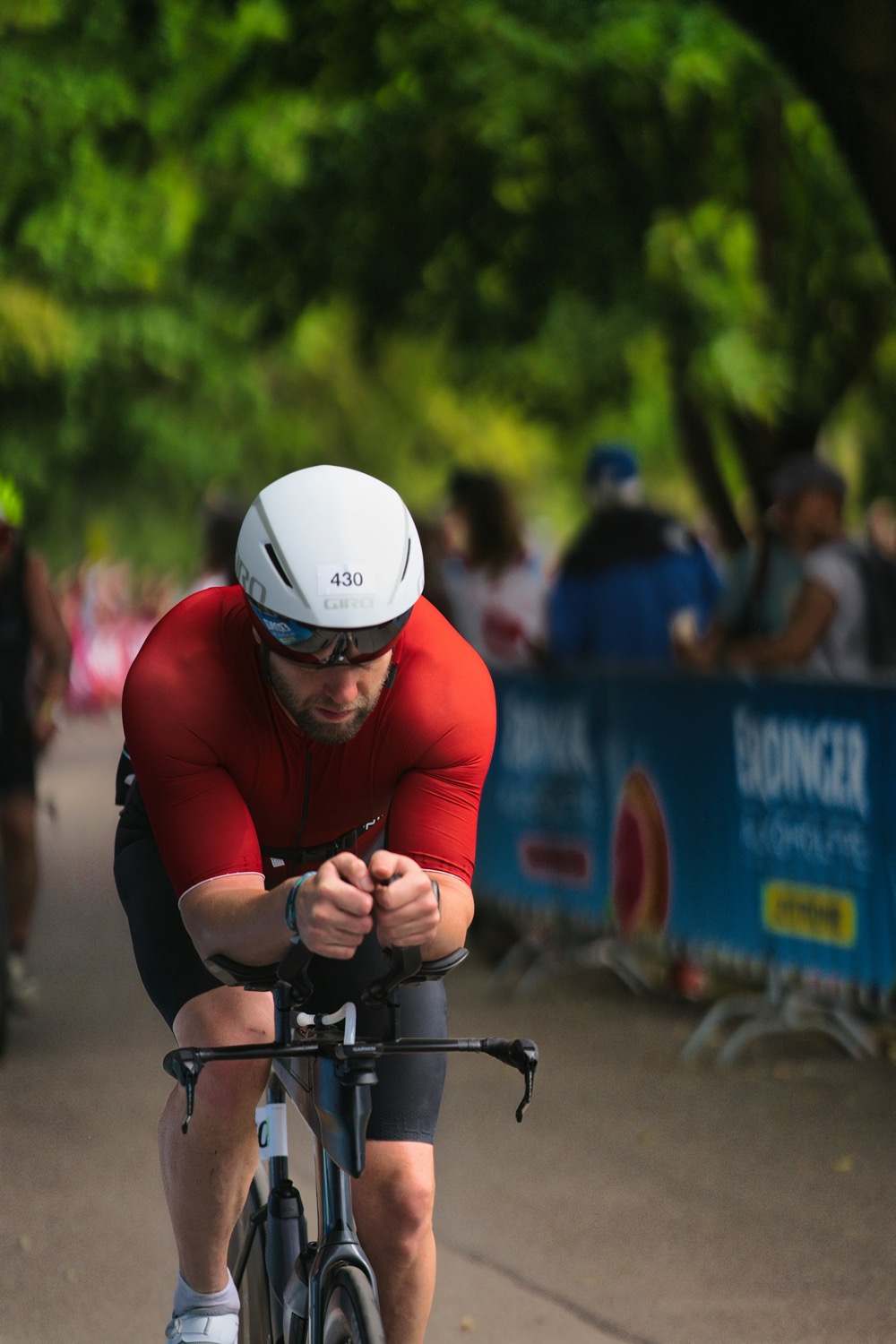
Position+1.2%
Head+0.5 cm
In the green
≤ 4%On target. Hold it.
4–10%Slipping. The coach says head or elbows.
> 10%Out of the tuck.